1. Blog
  2. Article

Canonical
14 February 2013

App patterns explained : Layout


We want everyone to design and build beautiful and usable apps, and the App Design Guides help us do just that! So to kick things off, if you’re thinking about how to layout your app in portrait view, here’s how.

Core layout


Your app must have

  1. A header on the top of the screen, which consists of a coloured line, a title area and a divider
  2. A content area
  3. A toolbar with app controls which is revealed by using the bottom edge

For details about the header, toolbar and content areas, read more about app layouts.


Related posts

What designers should know about semiotics

What happens when you look at an apple? When you see it, you perceive the apple and assign meaning to it based on your language, experience, and personal preferences – such as...

Challenges designers face in open source (and how to fix them)

Open source powers up to 90% of modern software, yet many projects lack usability. Canonical’s Design team surveyed 115 cross-functional professionals to uncover the 4 core...

Template: Streamlining open source design contributions

As designers working at Canonical, we’re always thinking about open source. We believe that encouraging more designers to contribute to open source benefits everyone, from the...

Decoding design: How design and engineering thrive together in open source

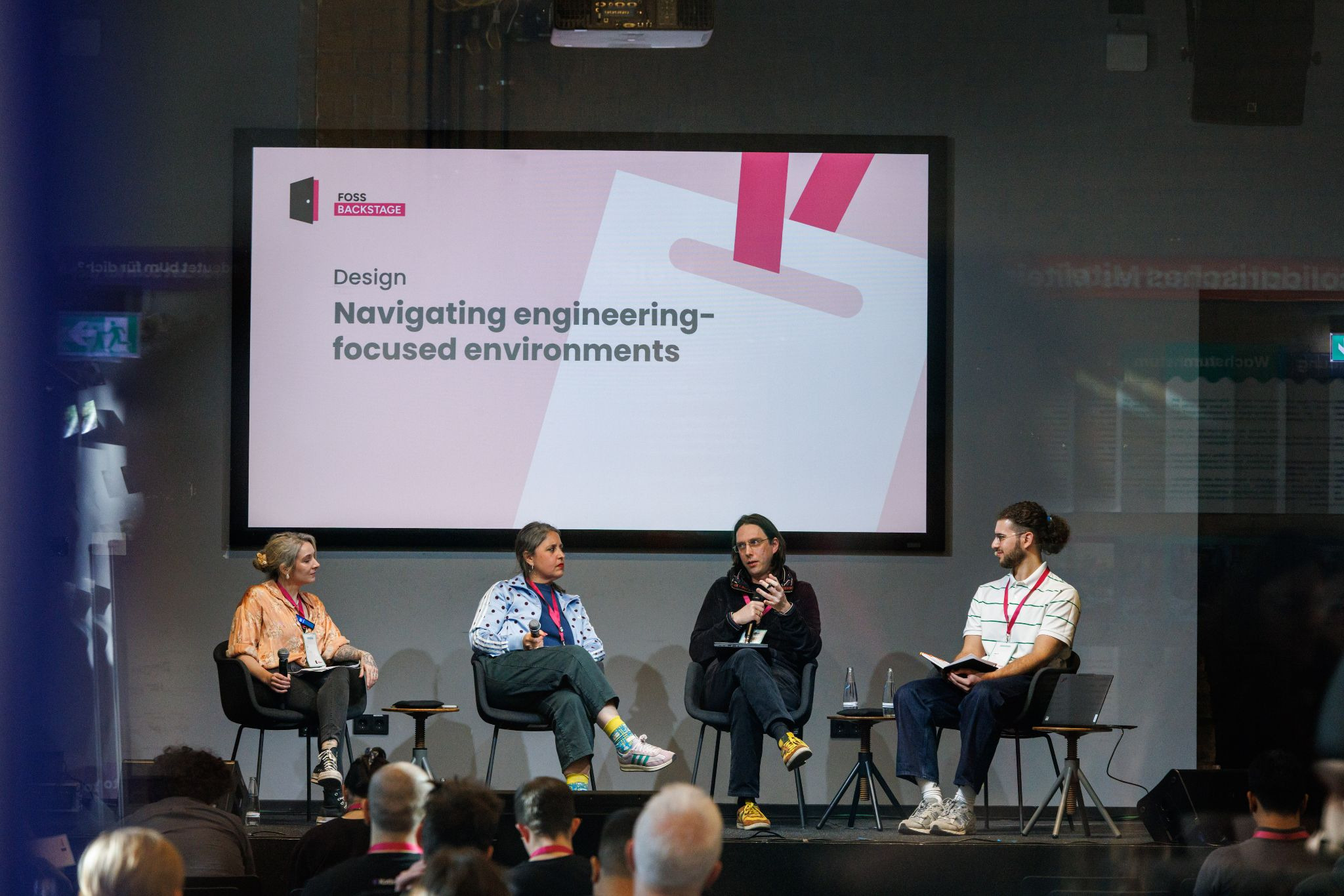
Open source thrives on engineering-driven processes. Fast feedback loops, terminal tools, Git workflows: they’re the lifeblood of how we build software in the open. But for...